Getting paid
Clipping campaigns pay for approved views.
How clipping campaigns work, how payouts are calculated, and what to check before you spend hours editing.
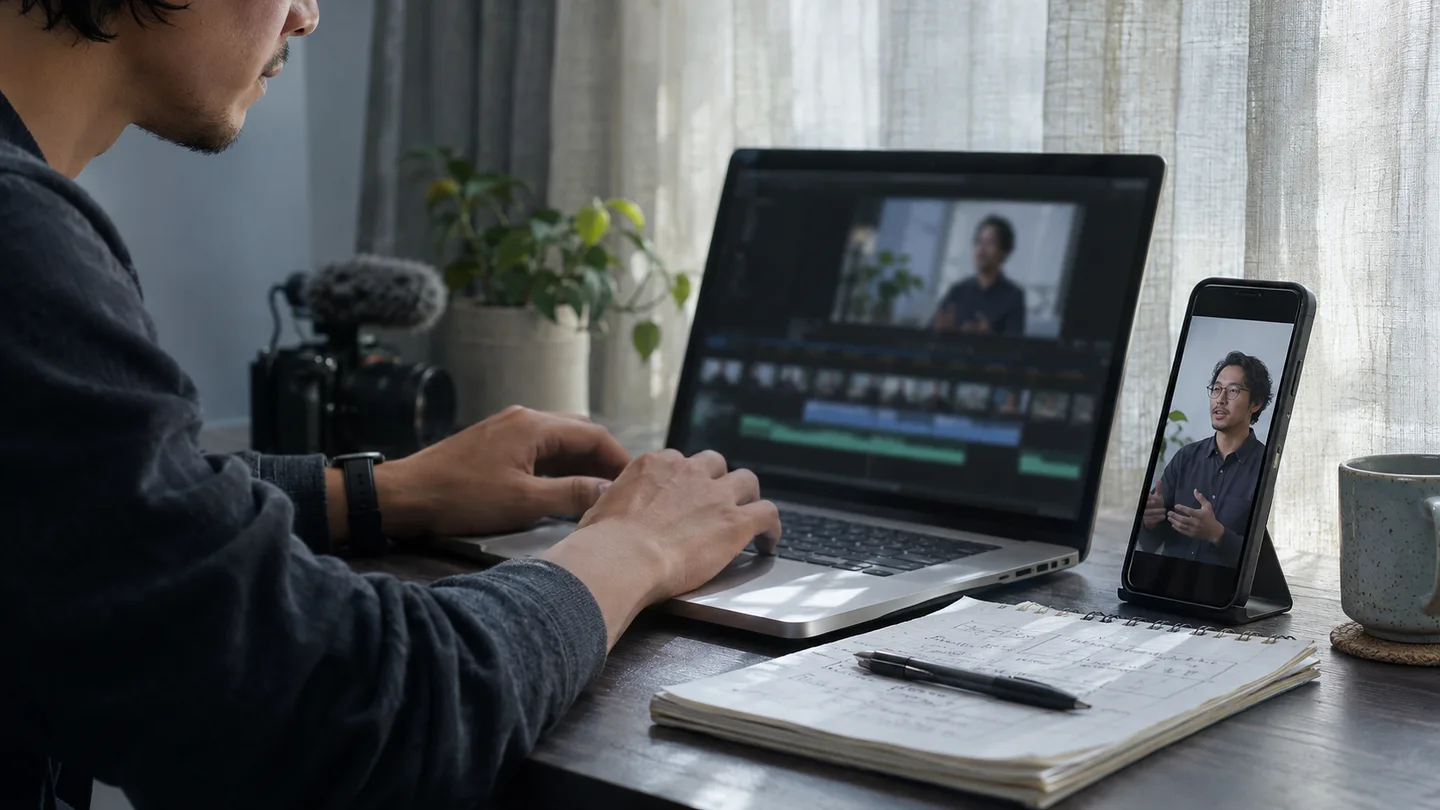
A clipping campaign pays you to cut existing footage into short videos, publish them on your account and submit the results for review. Your payout usually depends on approved views and the campaign’s rate.
Read the payment terms before opening your editor. A view count by itself tells you very little about what you will be paid.
The recording already exists
The content owner supplies footage and a brief. The recording might be an interview, a product demonstration or an event. Your job is to find a moment that makes sense as a separate clip.
You edit that moment for a vertical screen, publish it through an account you control and submit the link. The campaign organiser reviews the post and verifies the views that qualify for payment.
Campaign rules decide who can join, which accounts qualify and how views are counted. A small account can be eligible. Check the brief.
Check the money before the edit
The rate is often written as CPM, meaning the payment per thousand qualifying views. Divide the approved view count by 1,000, then multiply it by the rate.
At an example rate of $2 per 1,000 views:
| Approved views | Calculated payout before fees or caps |
|---|---|
| 10,000 | $20 |
| 50,000 | $100 |
| 100,000 | $200 |
This is arithmetic using an illustrative rate. Each campaign sets its own terms.
- The Cap Can Stop Your Payout: A maximum payout per clip limits what that video can earn. Read it alongside the rate.
- Approval Comes First: A published clip can attract views and still fail the brief. Check the requirements before making several versions.
- The Schedule Controls Your Cash: Verification and payment can happen on different dates. Find both in the campaign terms.
Fees, eligible platforms and payable view limits can also change the amount you receive. Keep a copy of the terms you accepted.
Give each clip a complete thought
An interesting sentence needs enough context to make sense on its own. Cutting away the context can change what the speaker meant.
- Watch the recording and mark useful moments.
- Write down the question each moment answers.
- Choose a section that answers that question without a long introduction.
- Put a clear subject or result in the opening.
- Frame the speaker or main action for a vertical screen.
- Add readable captions and check them against the audio.
- Remove repetition while preserving the speaker’s meaning.
- Watch the finished clip before publishing it.
Use the time the explanation needs. A short answer can finish quickly. A detailed answer needs room to land.
Submit the link and keep the record
Publish according to the brief, then submit the live link through the campaign’s review process. Keep the campaign name, submitted link and approval status together so you can check the payout later.
The organiser may count a different number of payable views from the number shown on the public post. Eligibility rules and measurement windows matter. Ask about a discrepancy before treating the displayed total as money earned.
Separate the jobs before comparing offers
Clipping starts with existing footage. Original creator work includes recording new footage. An influencer agreement can also pay for access to a particular creator’s audience.
Those jobs involve different work. Check what you are being asked to produce and where you must publish it before comparing the headline rate.
A clipping offer can look generous until you count the time spent finding footage, writing captions and handling revisions. Track your editing time alongside your payout.
Keep control of what you publish
Use footage you have permission to edit and distribute. Check the campaign’s rules for paid-post disclosures and the publishing platform’s requirements. Preserve the original speaker’s meaning.
Your account carries the post. Review the finished video yourself, including any captions or claims supplied in the brief.
Test a repeatable process
Start with one campaign whose footage and terms you understand. Make a clip, complete the submission process and check how the review works.
Keep notes on the opening, the edit time and the result. Additional versions can help you compare decisions, though they do not guarantee a payout.
Find the useful moment. Keep its meaning. Check the terms before doing the work.